
AI-Native Configure, Price, Quote (CPQ) Software
Quortix connects your product catalog, configuration rules, and quoting workspace. Sales teams configure deals against published logic; external AI agents access authorized operations through MCP. RevOps can inspect the resulting product selections and commercial terms rather than relying on an agent's written explanation.

Configure → Price → Quote
Start with the customer's requirements, check the permitted options, then prepare the commercial document. Each step answers a different question.
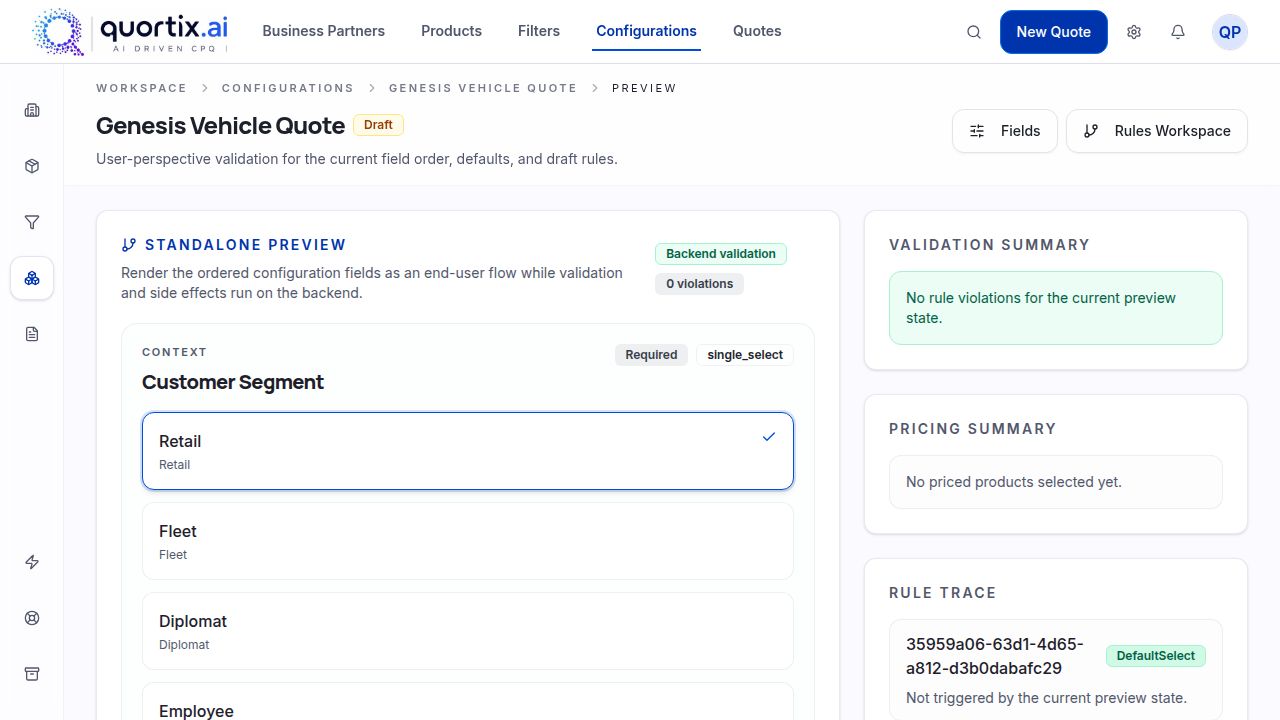
Configure
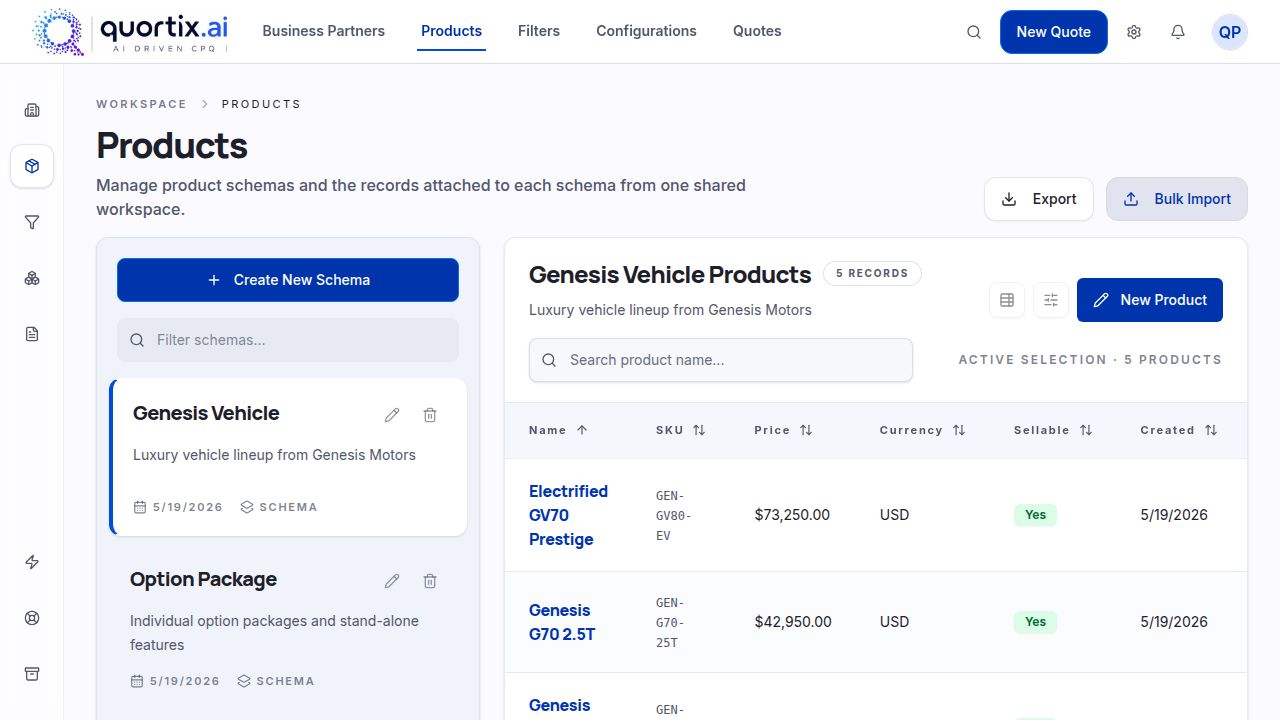
Select a base product, then check its required and incompatible options. For example, a machine may need a particular power supply. Model that dependency before preparing quotes, rather than expecting every seller to remember it.
Price
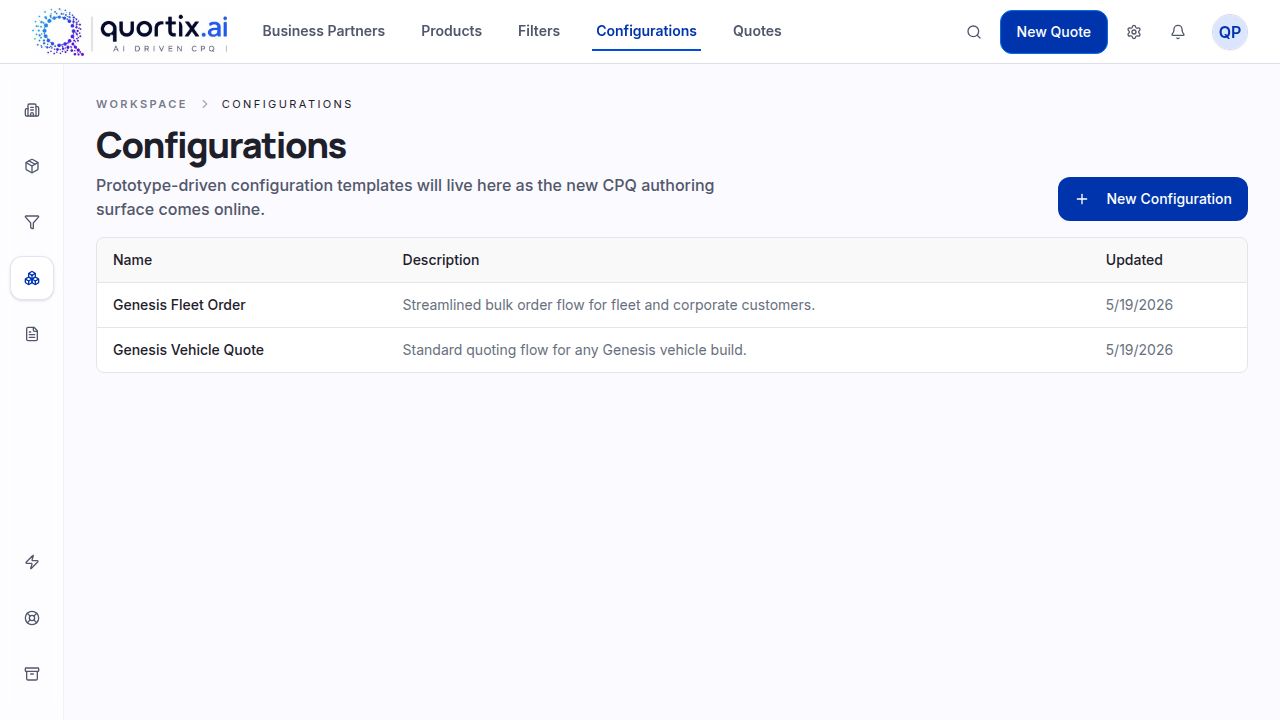
Apply the published pricing rules to the selected components and quantities. Inspect the resulting price alongside the configuration; outdated catalog inputs still need correction by the responsible team.
Quote
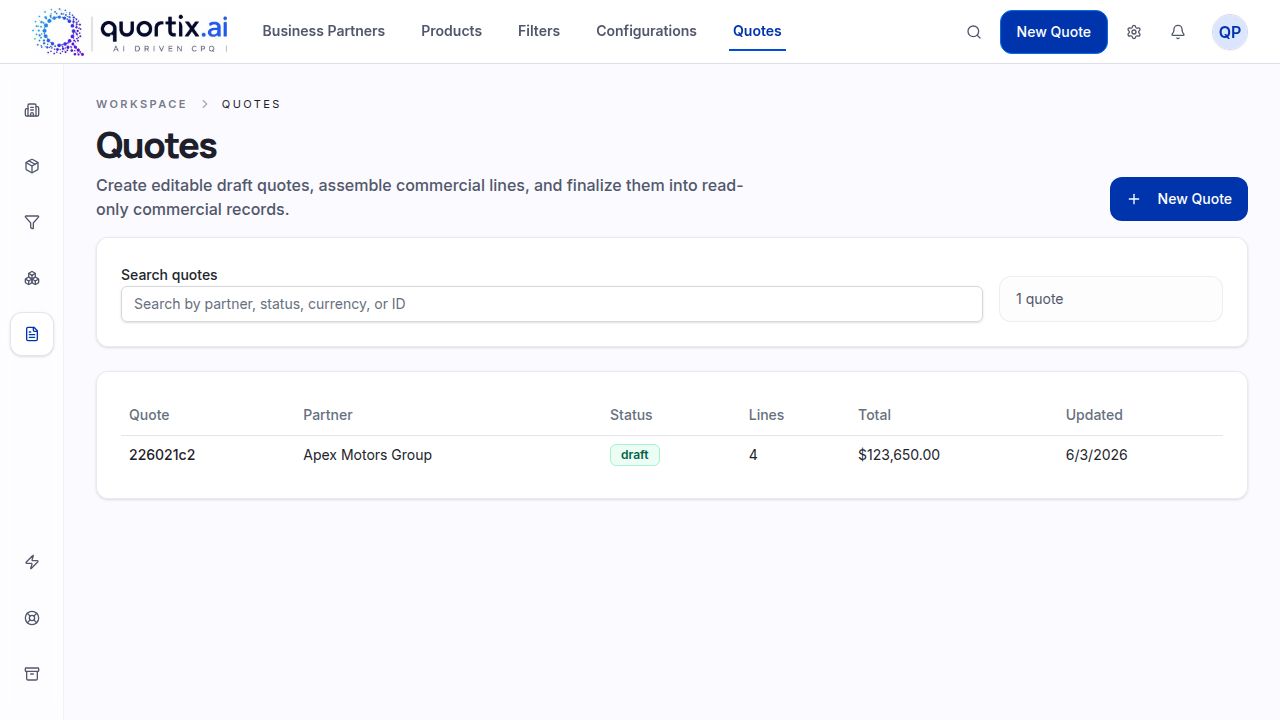
Prepare quotes from the configured selection. Review line items, quantities, and totals in the workspace before sharing the document with the buyer.
Key Benefits of CPQ Software
The useful test for this software is practical: which checks and repeated steps can your team move out of spreadsheets?
Faster Quote Generation
Reuse catalog information instead of retyping product descriptions and rebuilding line items. Spend the review time on what differs between quotes, not on copying the same details.
More Accurate Configurations & Pricing
Give reps published dependencies to work with when they configure a product. The rules provide a consistent check, but someone still needs to maintain the underlying catalog.
Better Margin Control
Review the commercial terms in quotes before delivery. Define acceptable discounts with finance; do not treat an agent's proposed amount as authorization.
Less Manual Administration
Let authorized external agents inspect catalog data and prepare changes through MCP. Administrators can check the resulting state instead of manually repeating each permitted operation.
Why AI-Native CPQ?
Consider an illustrative catalog update: a manufacturer introduces a replacement accessory, but only two machine models support it. Before preparing new quotes, the team needs to record that compatibility and check the affected configurations. In Quortix, an authorized external agent can work with catalog data through MCP. The software provides a visual workspace for inspecting the result. The product owner still decides whether the dependency reflects what the factory can supply.
This is the boundary we use when discussing AI solutions: agents work through authorized tools, while published rules determine calculations. An agent's explanation does not replace those rules. When you configure the affected machine, inspect the selected accessory and test an incompatible combination as well as a permitted one. Before sending live quotes, check that the catalog change has the intended effect. Human review is an operating practice your team must establish, not a promise that AI cannot make mistakes.
CPQ Platform Capabilities
Explore the individual solutions below to see where catalog maintenance, configuration, and quotes fit into your team's work.
AI agents for CPQ administration
Configure your catalog with AI agents over MCP.
AI agents for sales quoting
Quotes drafted by AI agents, finalized in the workspace.
Intuitive visual rules engine
See your logic. Trust your logic.
Flexible configuration templates
Launch new offerings in minutes.
Robust promo and bundling engine
Stackable, schedulable, sellable.
AI-powered guided selling
Lead with needs, not SKUs.
CPQ Without the Long Implementation
Start a software evaluation with one representative product family, not the entire catalog. Bring its options, dependencies, and sample quotes. The work involved depends on the quality of those inputs and the systems that need to exchange data.
Traditional CPQ
- Scope depends on catalog complexity
- Specialist support may be needed
- Maintenance approach varies by vendor
Quortix Platform
- AI-assisted setup
- Visual workspace
- Start with a defined product scope
Use existing quotes as test cases: one standard order, one incompatible selection, and one commercial exception. Compare the results with your team's expected outcomes. Assess solutions against those cases before expanding the rollout. Agree who maintains the catalog and who checks quotes; neither responsibility disappears when an agent helps with setup.
MCP & Connected CPQ
Connect AI agents directly to the CPQ engine through the Model Context Protocol.
MCP is the connection between an external agent and Quortix's authorized tools, not an embedded chat interface. The agent sends structured requests to inspect data or work on permitted objects. Your team can inspect the resulting state in the visual workspace. For connected solutions, establish which system owns each input and who checks draft quotes before they leave the business.
CPQ Solutions by Industry
Industry solutions need different inputs. Machinery quotes depend on compatible components; subscription offers depend on the selected plan and commercial terms. These pages explain which questions to bring to a product demonstration.
Frequently Asked Questions
Ready to transform how you generate quotes?
Bring a representative product and a few sample quotes to a demonstration. We can discuss the dependencies, catalog inputs, and review steps your team needs.